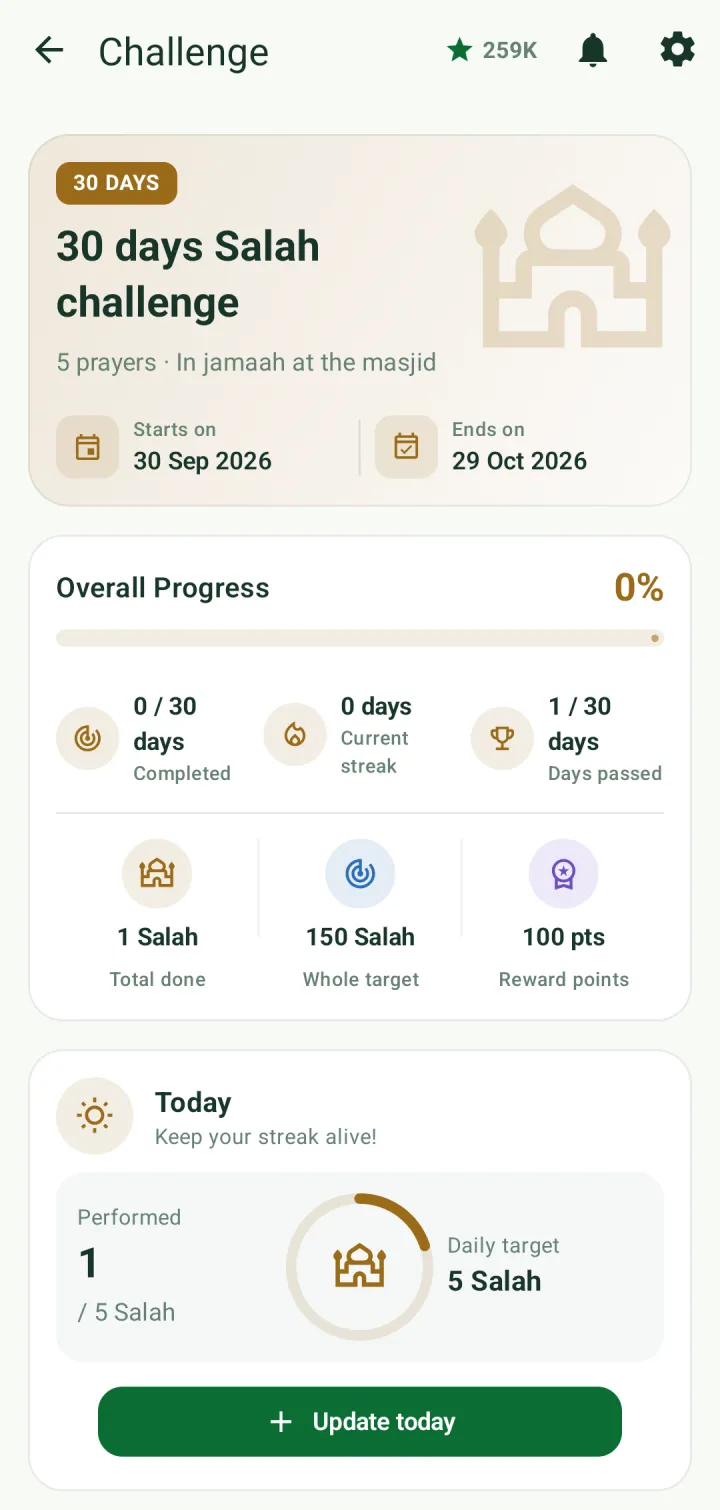

Tasks and challenges
Keep your own to-do list of good deeds, including your Qur'an plans, and build a habit with a daily challenge.
My Tasks
Tap Tasks in Quick access. Active shows what's due, including your Qur'an plans, with the time left and the hasanah each one is worth. Past and Completed keep the rest.
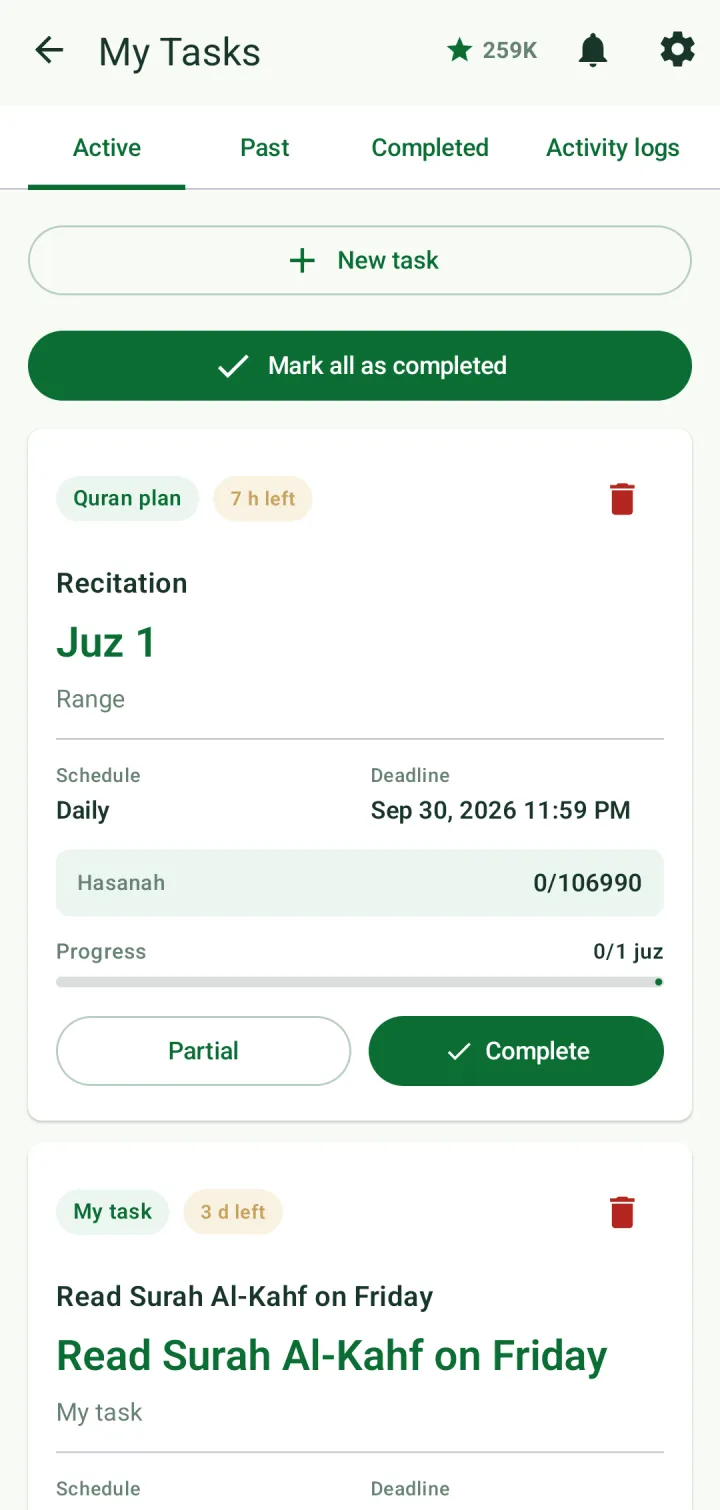
Tap Complete when you've done it, or Partial if you did only part. Mark all as completed ticks off everything at once.
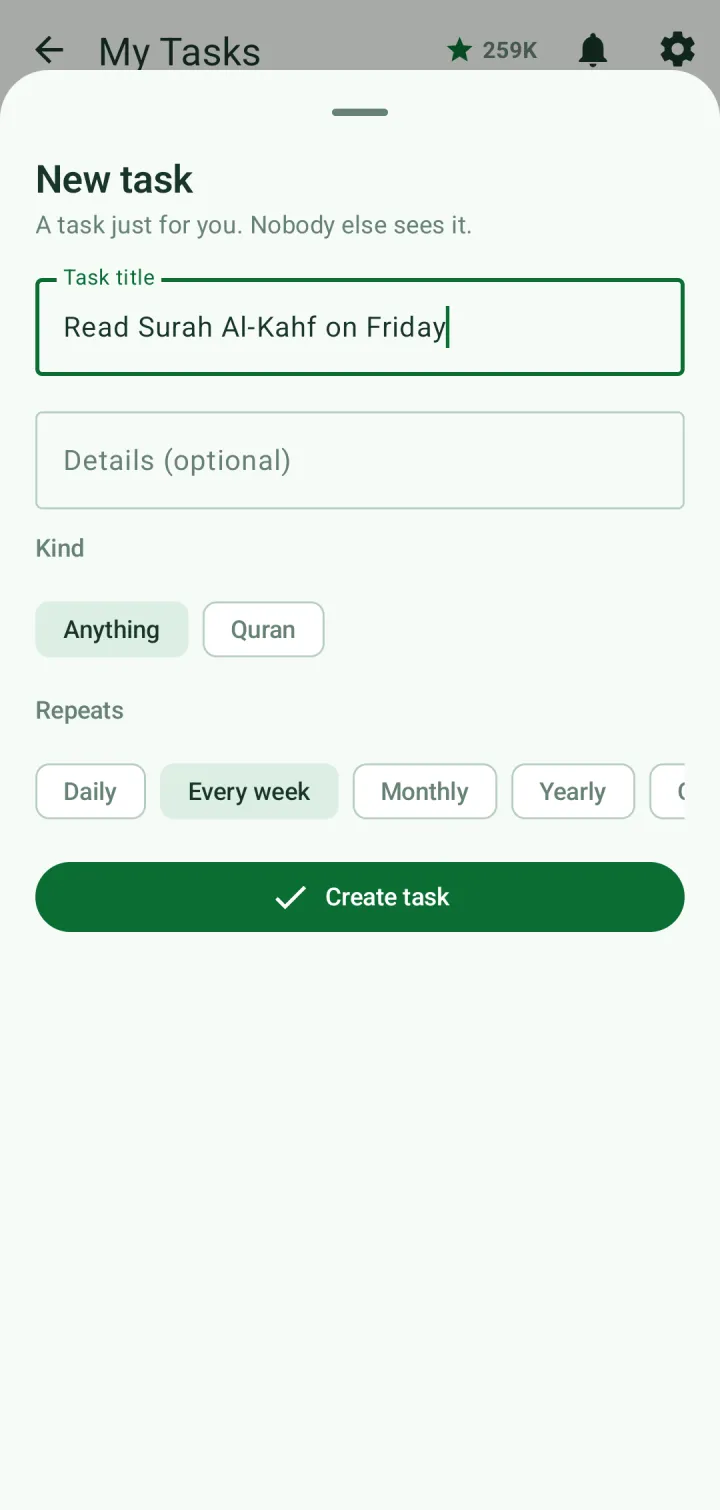
Tap New task to add one of your own — nobody else sees it. Give it a title, choose Anything or Quran, and how often it repeats: daily, every week, monthly, yearly or once. Tap Create task.
The Activity logs tab lists everything you've done, with the hasanah it earned.
Challenges
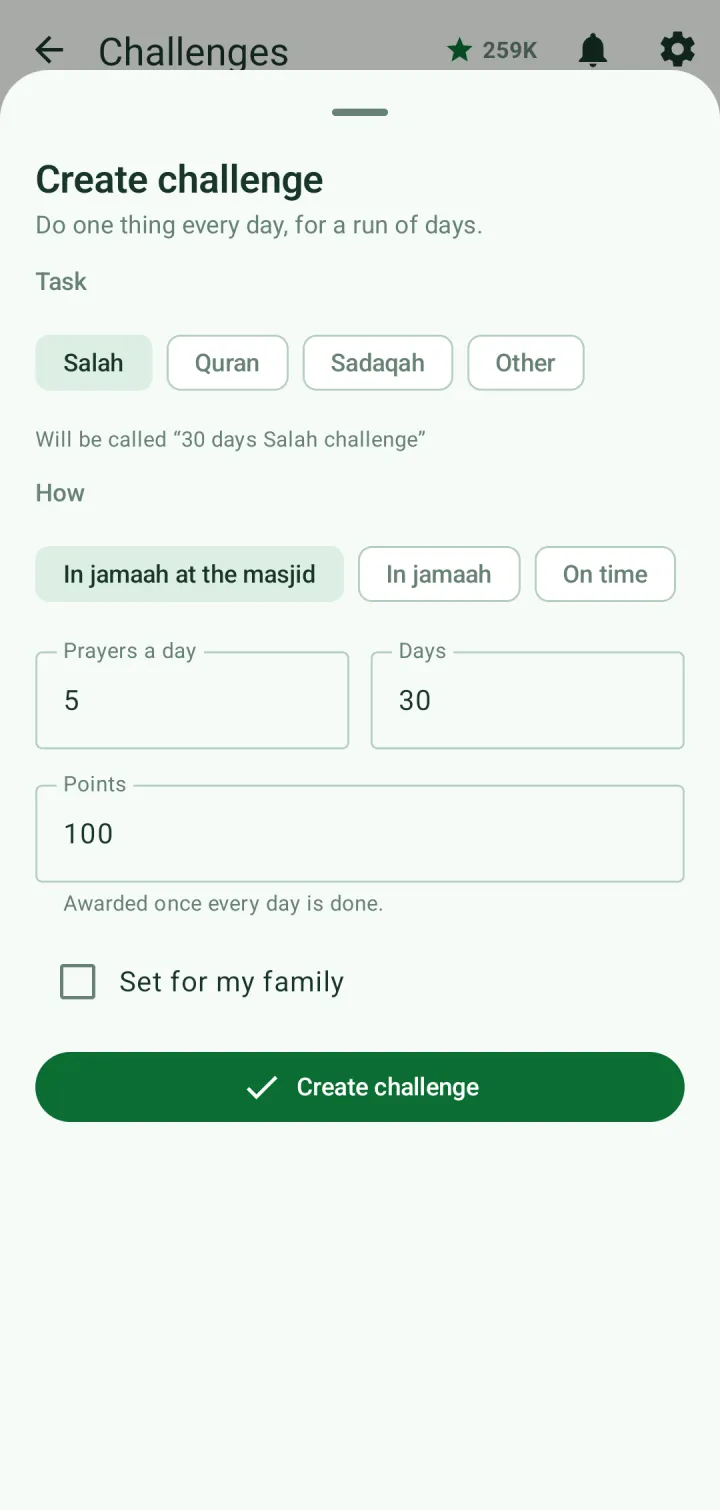
Tap Challenges in Quick access, then New challenge. A challenge is one thing done every day for a run of days.
Pick Salah, Quran, Sadaqah or Other, then how — for salah: in jamaah at the masjid, in jamaah, or on time; for Qur'an: recite, listen, memorize or revise, counted in juz, pages, surahs or ayahs. Set how much a day, for how many days, and the points it's worth. Tick Set for my family to share it with your family.
Your challenges are listed with their progress. Filter them by Salah, Quran, Sadaqah or Other.
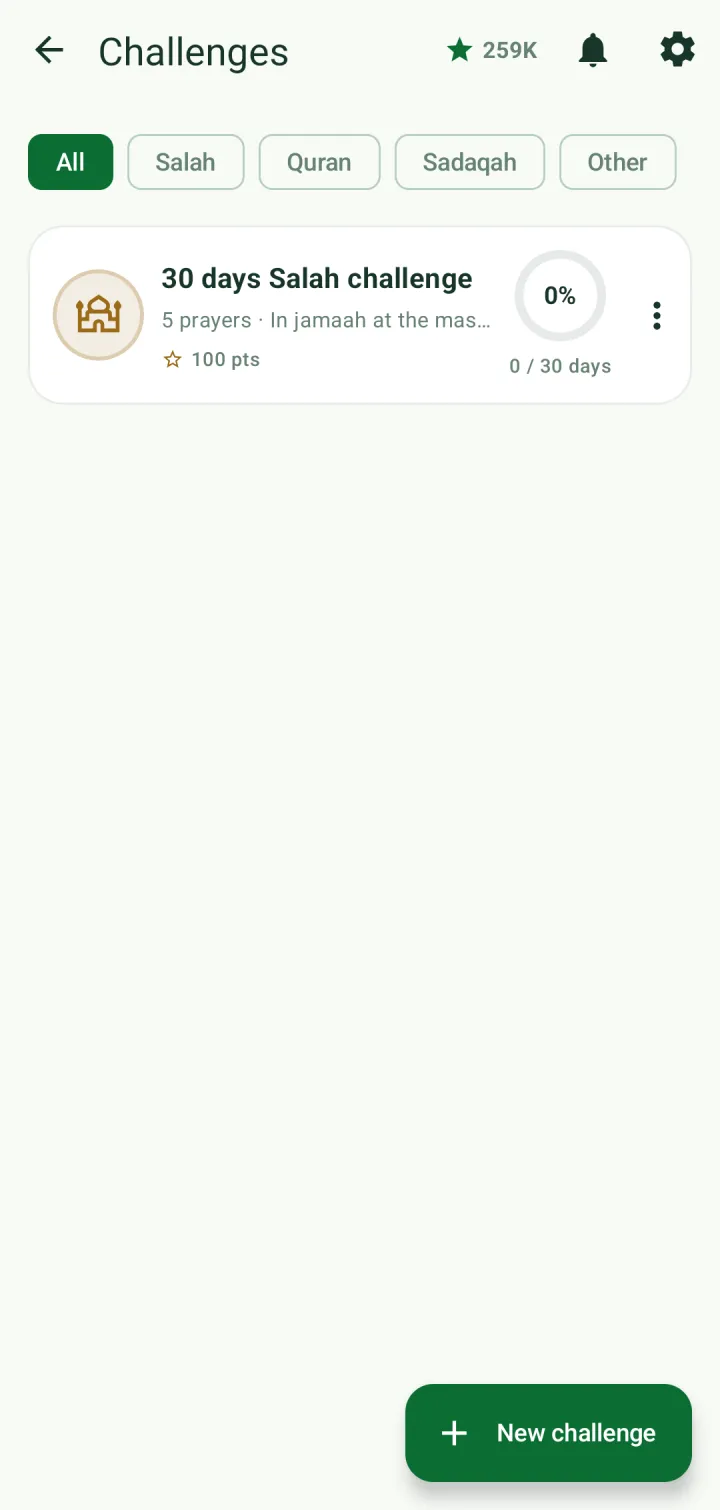
Open a challenge to see its start and end dates, overall progress, days completed, your current streak and the points you'll earn. Log each day under Today.