

Your account, menu and notifications
Find everything in the side menu, manage your profile and password, read notifications, and check for updates.
The side menu
Tap ☰ at the top left of the home screen. The top of the menu shows your name, points and hasanah, then shortcuts to Qur'an, Salah Tracker, Quran Planner, Hifz Test and Dua.
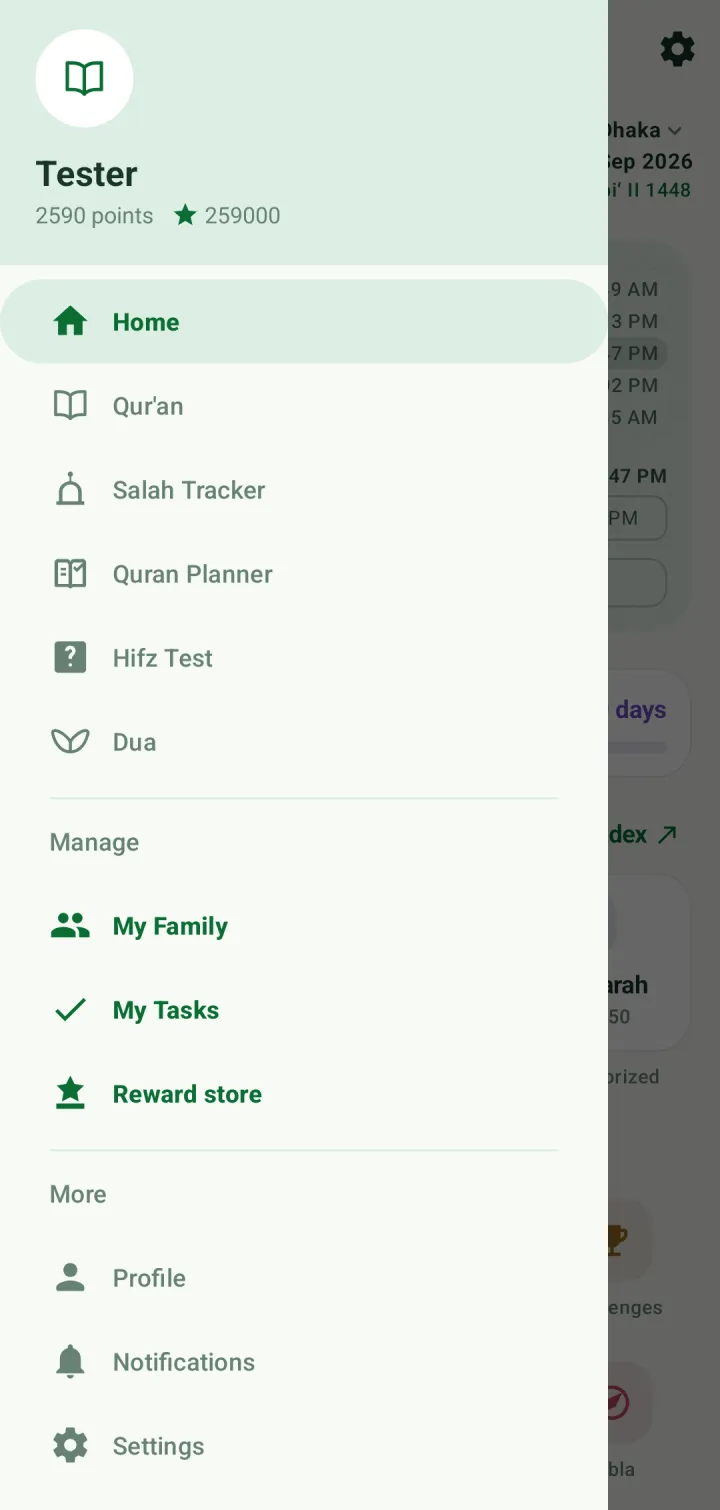
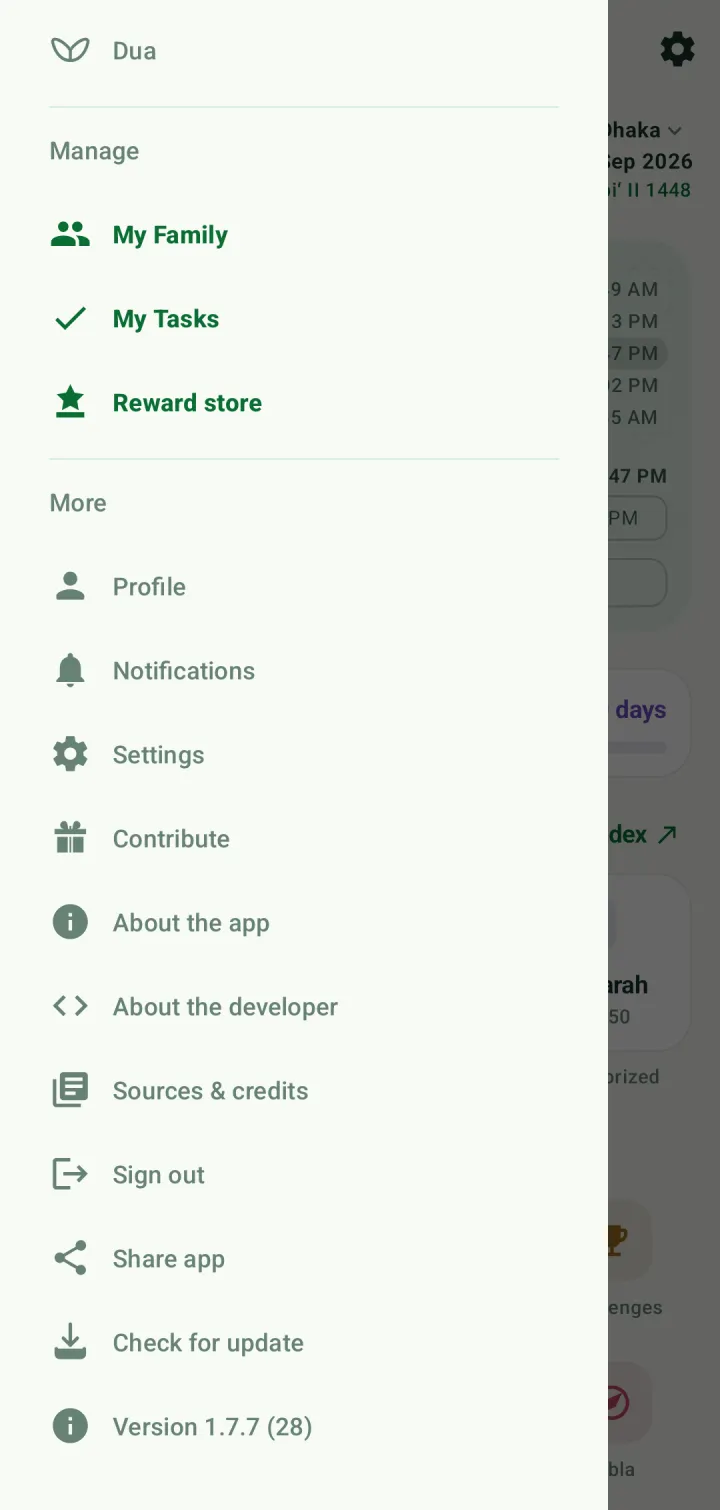
Under Manage are My Family, My Tasks and Reward store. Under More are Profile, Notifications, Settings, Contribute, About the app, About the developer, Sources & credits, Sign out, Share app and Check for update. The app's version is at the bottom.
Your profile
Open Profile from the menu. It shows your name, username and email, your account type, and your points, hasanah and the date you joined.
Tap the pencil beside a field to change it. Contact and location details are used for family invitations and account recovery, and are optional.
Achievements lists the rewards you have claimed from the Reward store. Reset password is at the bottom. If you signed up with Google, you can set a password here too.
Notifications
The bell at the top of every screen opens Notifications: updates about your account, your family, tasks and challenges. Tap All read to mark them all as read.
Sources, updates and sharing
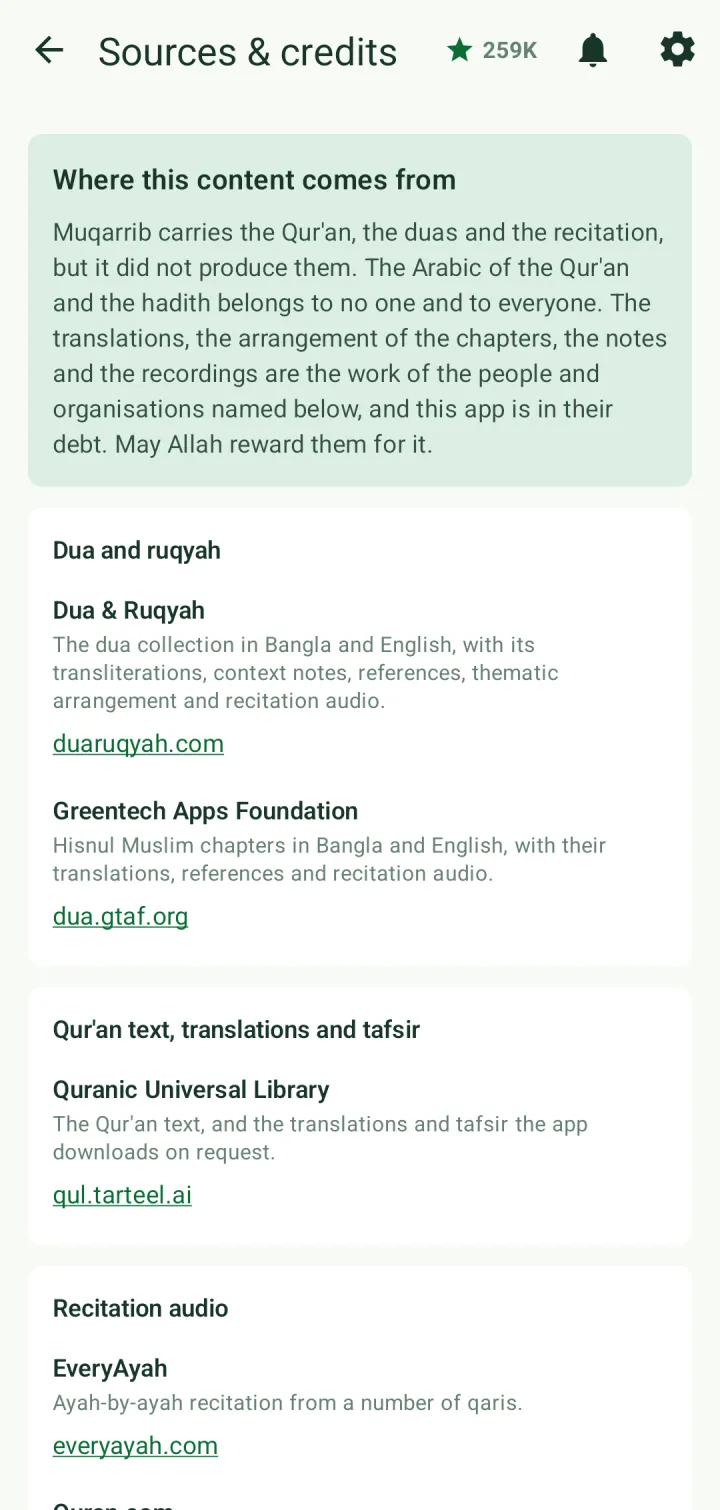
Sources & credits names where the app's dua text, Qur'an text, translations, tafsir and recitation audio come from, with links to each source.
Check for update looks for a newer version on Google Play. Share app sends a link to Muqarrib to someone else.
Sign out signs you out on this phone. With Sync data to cloud on, your data stays in your account and comes back when you sign in again.