

Downloads and using the app offline
Download translations, tafsir, i'rab, mushaf pages and recitation audio so the app works without a connection, and free up space.
Download managers
The Qur'an text and the default translations come with the app. Everything else is downloaded once, then works offline.
Go to Settings, or type download in the settings search. Each kind of content has its own manager: Mushaf image, Translation, Tafsir, I'rab and Recitation audio.
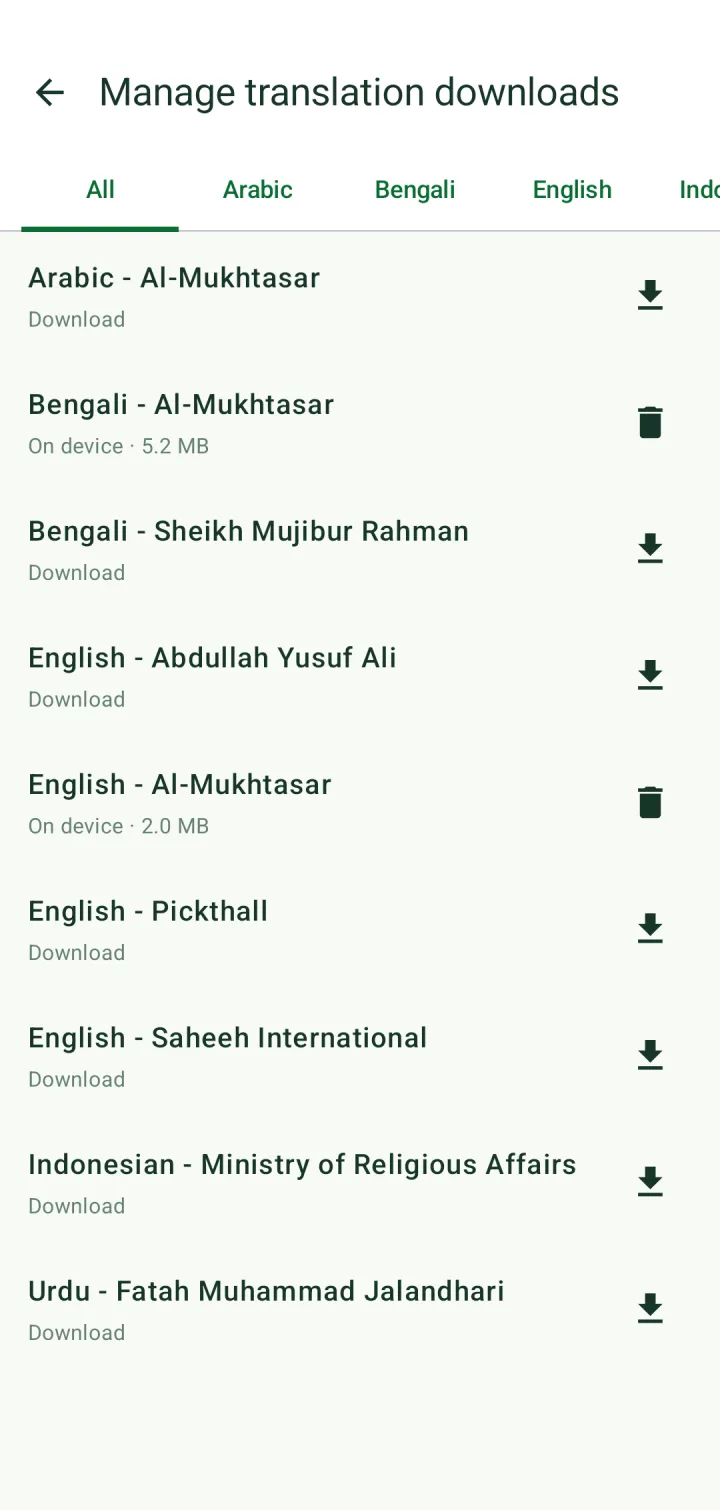
In a manager, filter by language, tap the download icon to fetch an item, or the delete icon to remove it. Items already on your phone show their size.
Recitation audio
Download a reciter from the reciter picker with its download icon, or in Settings → Recitation audio download manager.
Turn on Download recitation audio before playing to always save audio to your phone as it plays, instead of streaming it.
Other downloads
Recitation detection, which follows you as you recite, downloads its files the first time you use it (about 76 MB). Remove them with Delete downloaded files in Settings → Recitation detection.
Ruqyah recitations are downloaded when you choose a version. The size is shown before you download.