
Track salah and amaal
Record each prayer and how it was offered, keep your streak, and track daily deeds and sadaqah.
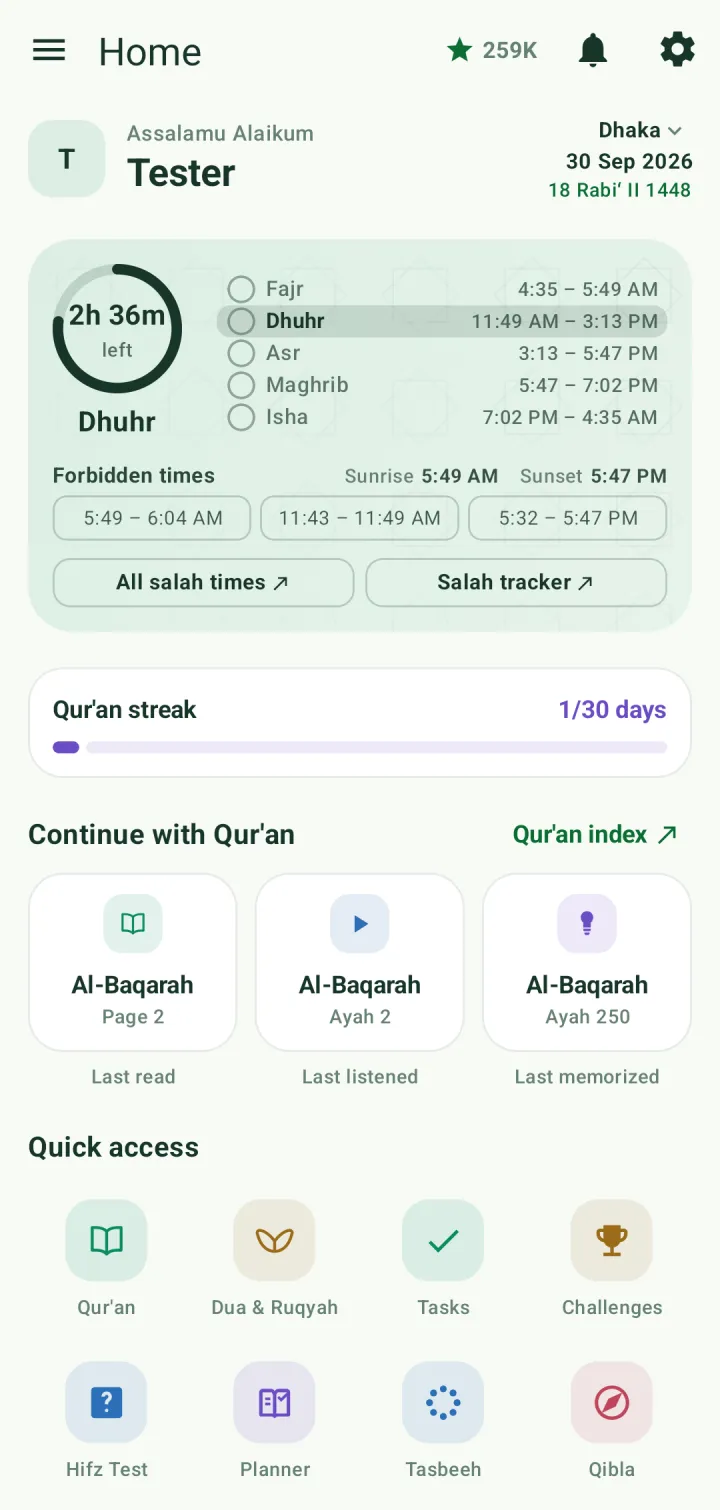
Record a prayer from home
On the home prayer card, tap the circle beside a prayer to mark it as prayed. Tap the rest of the row to choose how it was offered.
The Salah Tracker
Open Salah tracker from the prayer card, or the Salah Tracker card under My trackers. Tabs at the top switch between Fard, Sunnah, Wajib and Nawafil.
For each prayer, tap one column: at the masjid's first jamaah, a later jamaah, alone, late, or missed. Tap ⓘ to see what each icon means. The arrows either side of Today move between days.
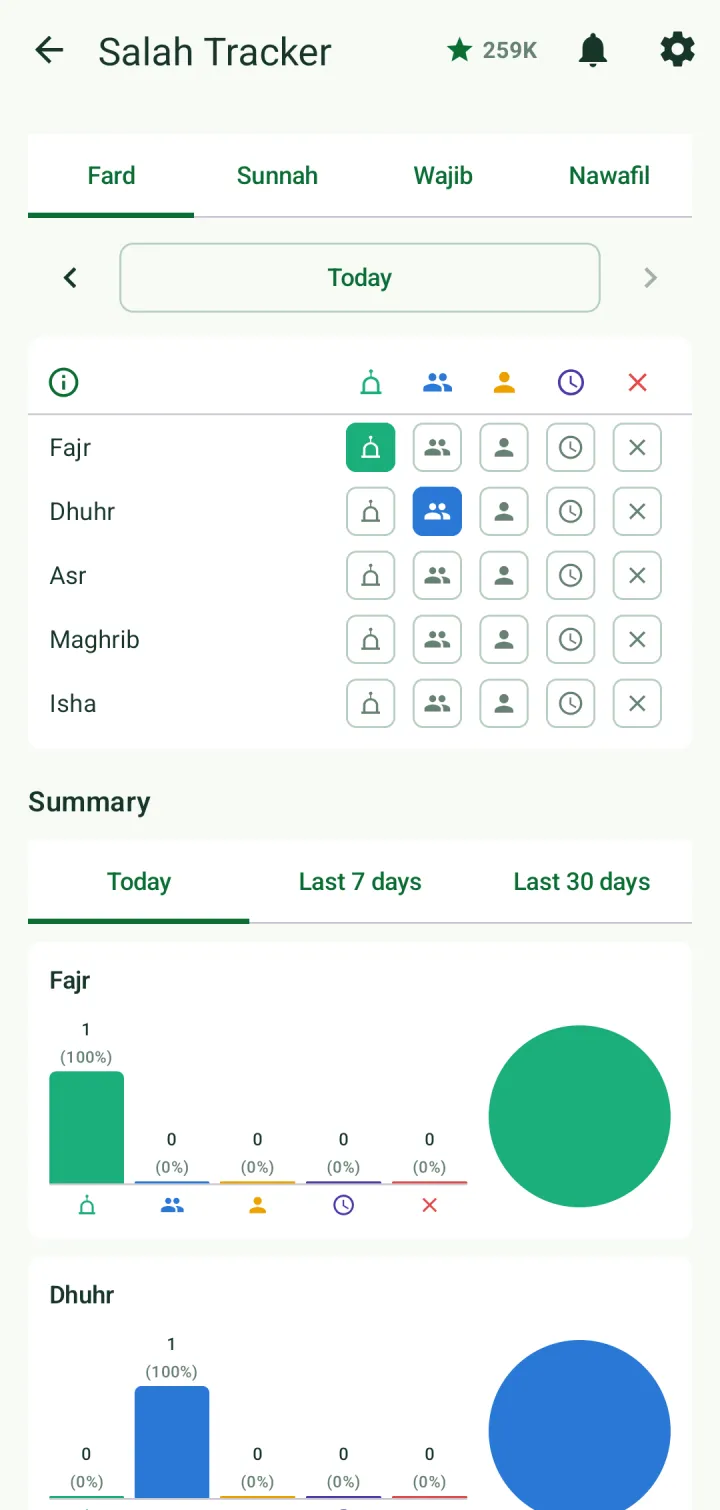
Summary below the grid shows how each prayer was offered today, over the last 7 days or over the last 30 days.
Streaks
The salah streak counts the days in a row with all five prayers. The Qur'an streak on the home screen counts the days with recitation, memorization or revision.
Both fill towards a month, then two, three and six months, then a year. Today counts as soon as the day's work is done.
Amaal and sadaqah
Open the Amaal Tracker from My trackers on the home screen. It's a daily checklist of ten deeds: morning, evening and bedtime adhkar, istighfar, durood, tasbih after salah, Qur'an recitation, Surah Al-Mulk at night, dua for parents and sadaqah. Tick each one as you do it.
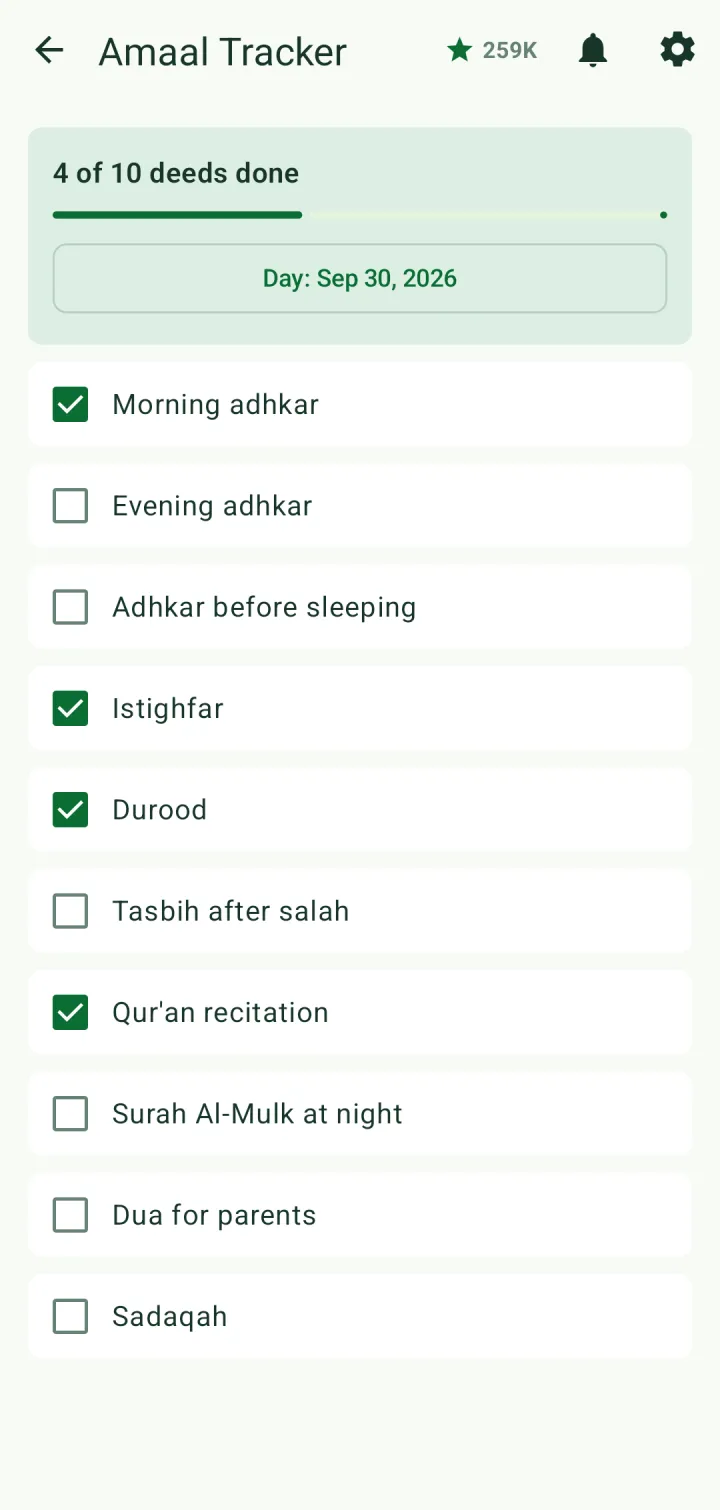
Tap the day to look back at an earlier date.
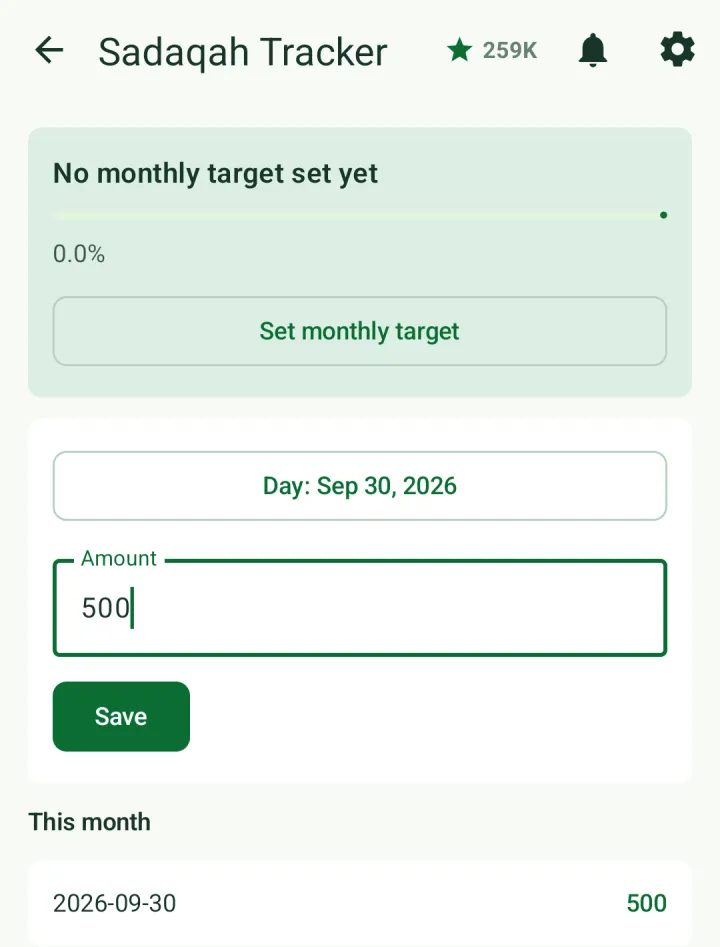
Open the Sadaqah Tracker from My trackers. Enter the amount you gave and tap Save; the month's entries are listed below. Tap Set monthly target to track your giving against a goal.